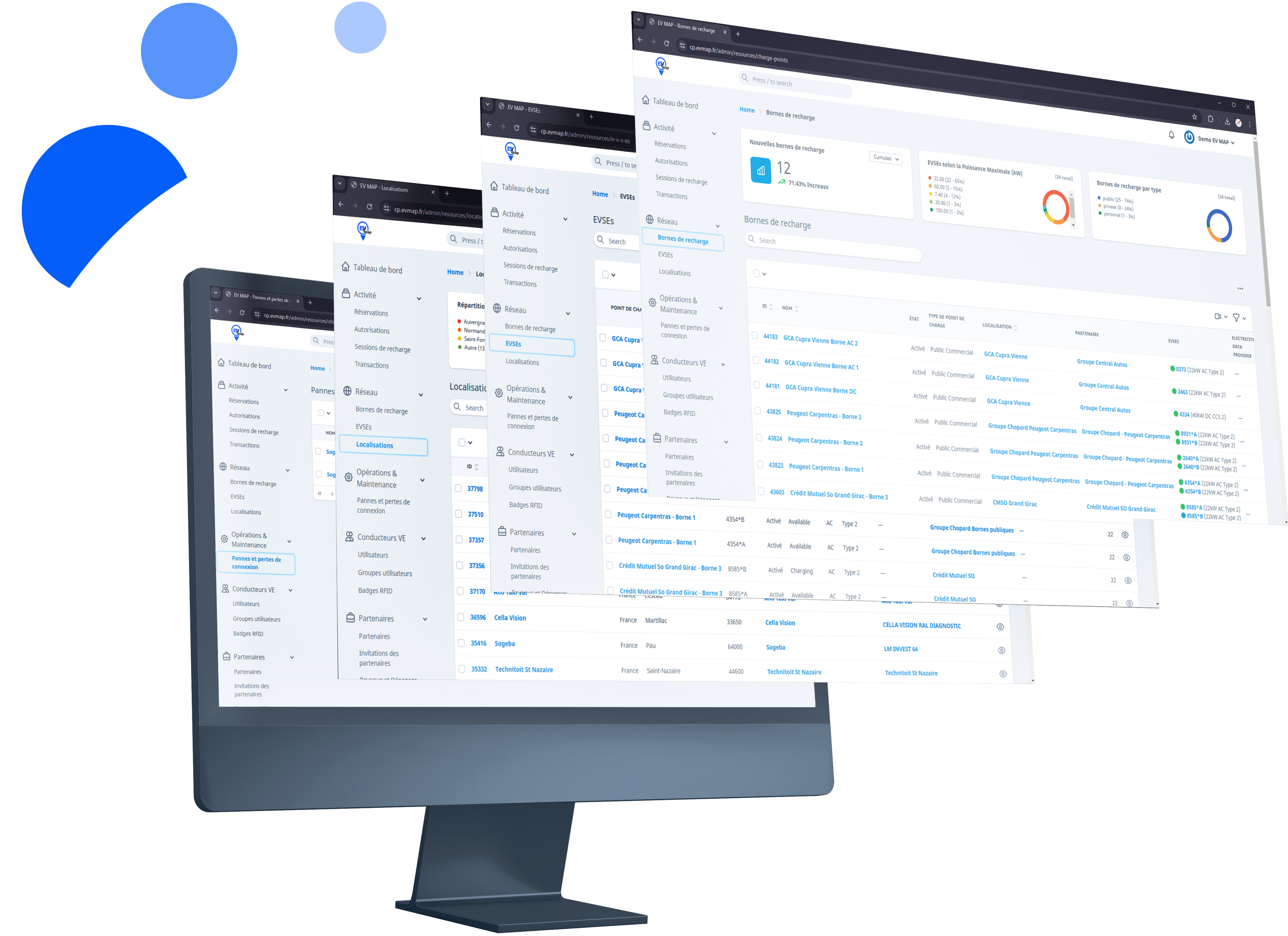
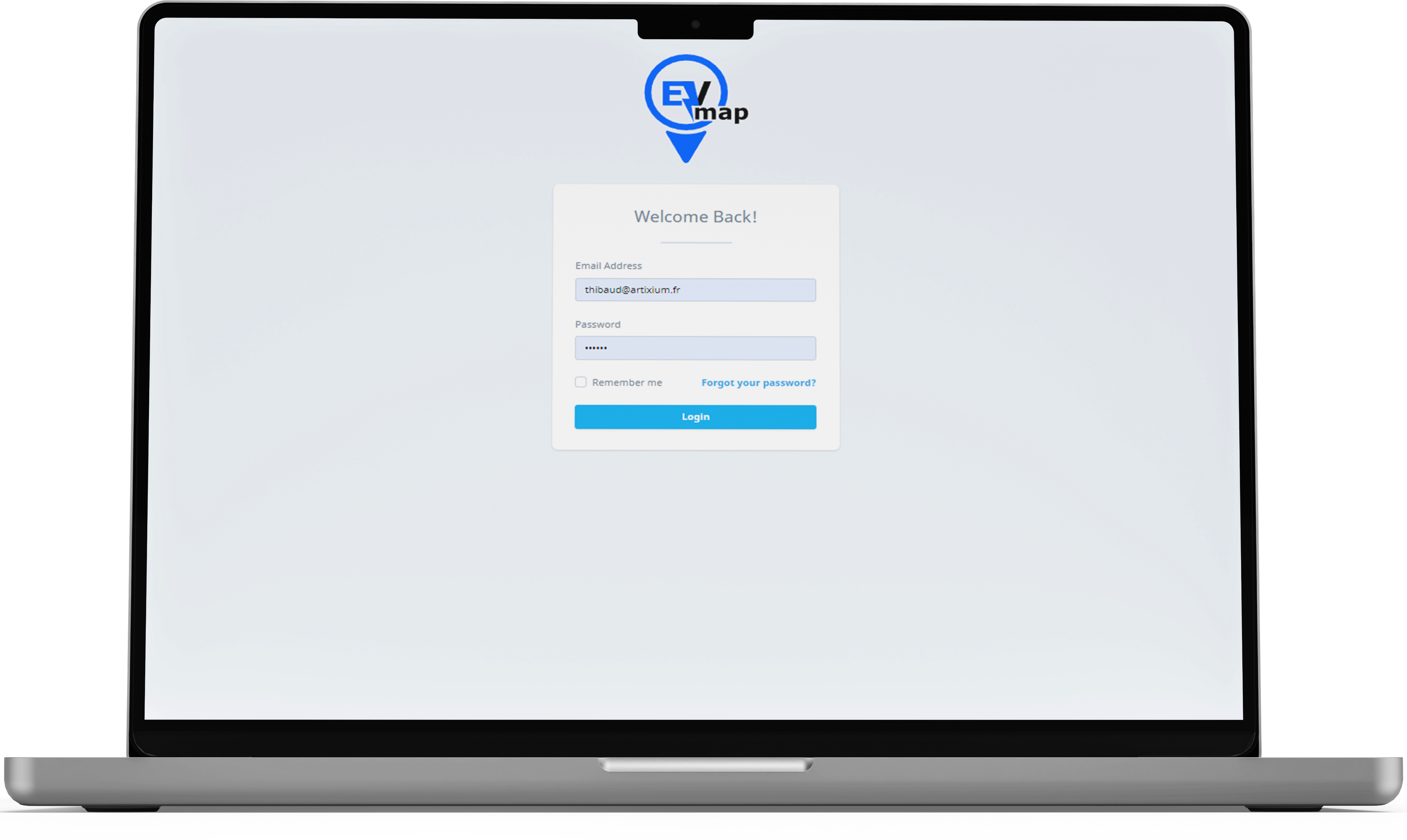
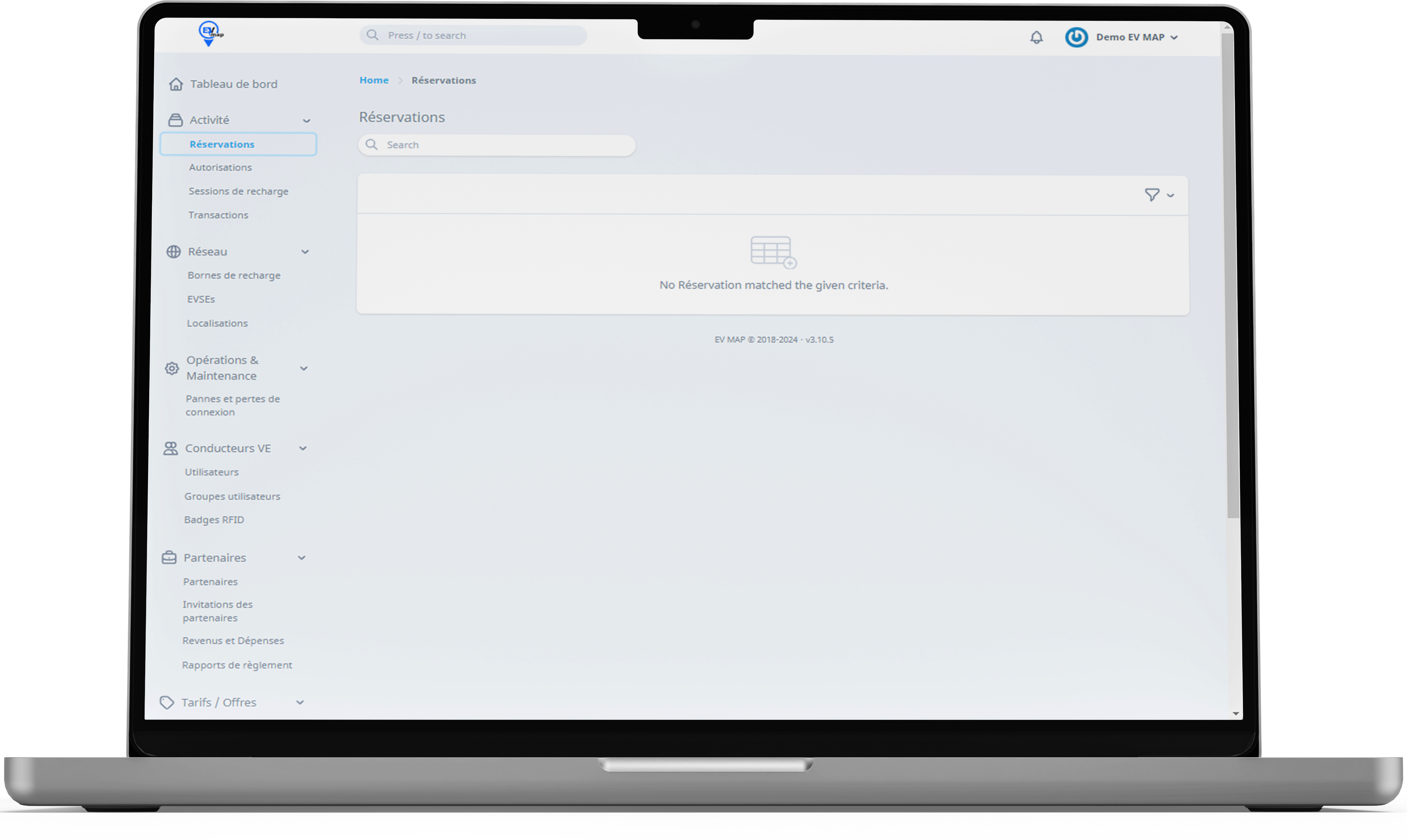
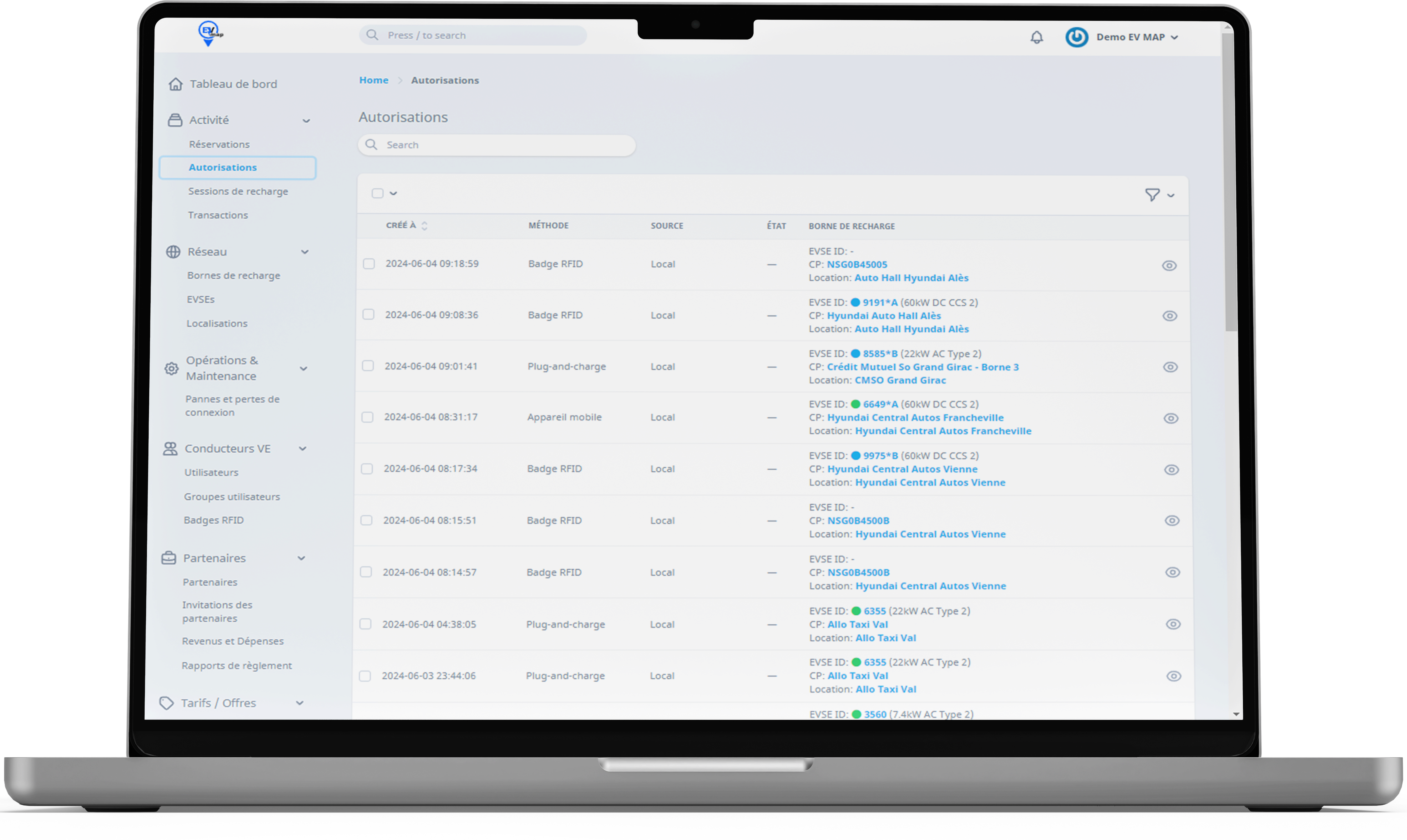
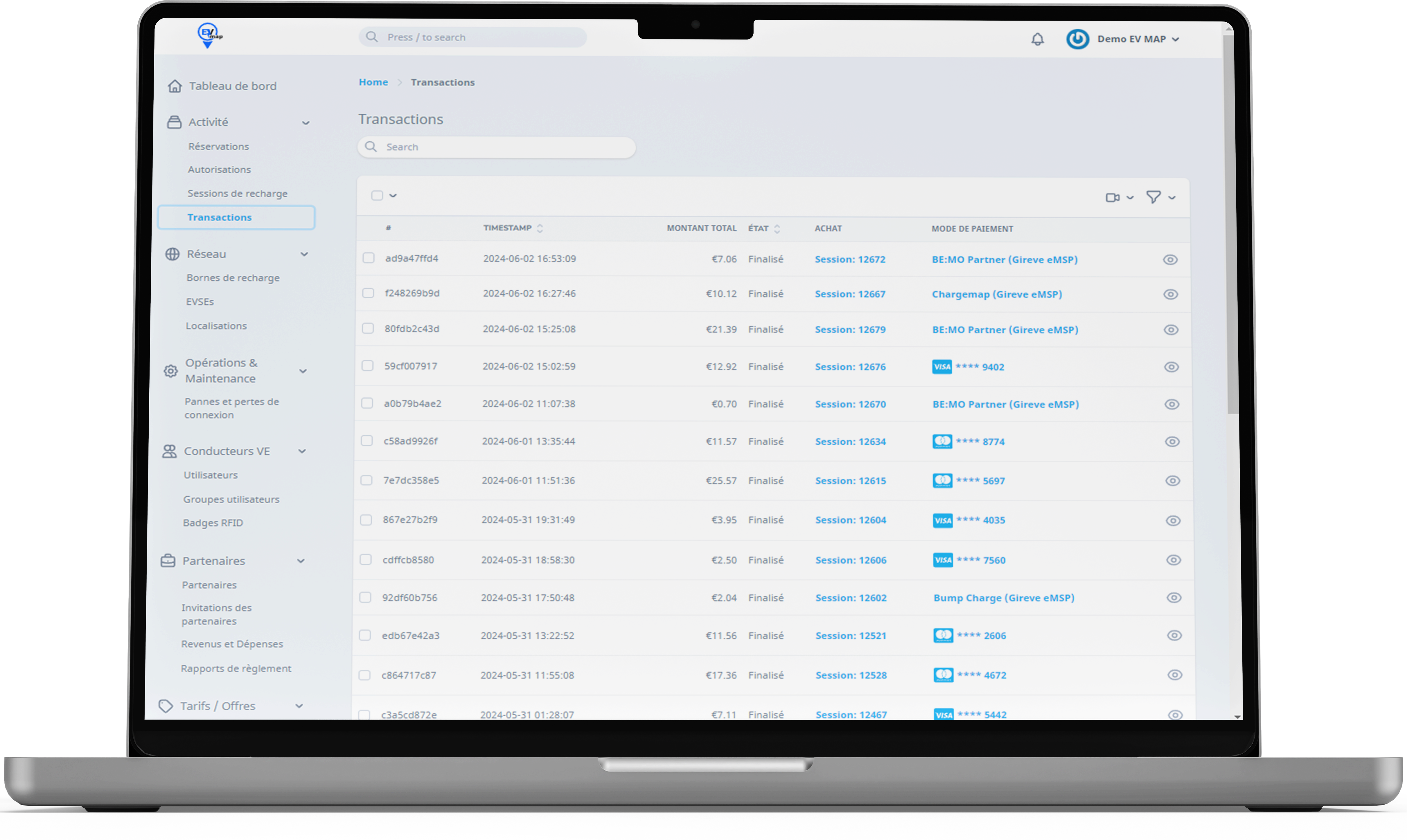
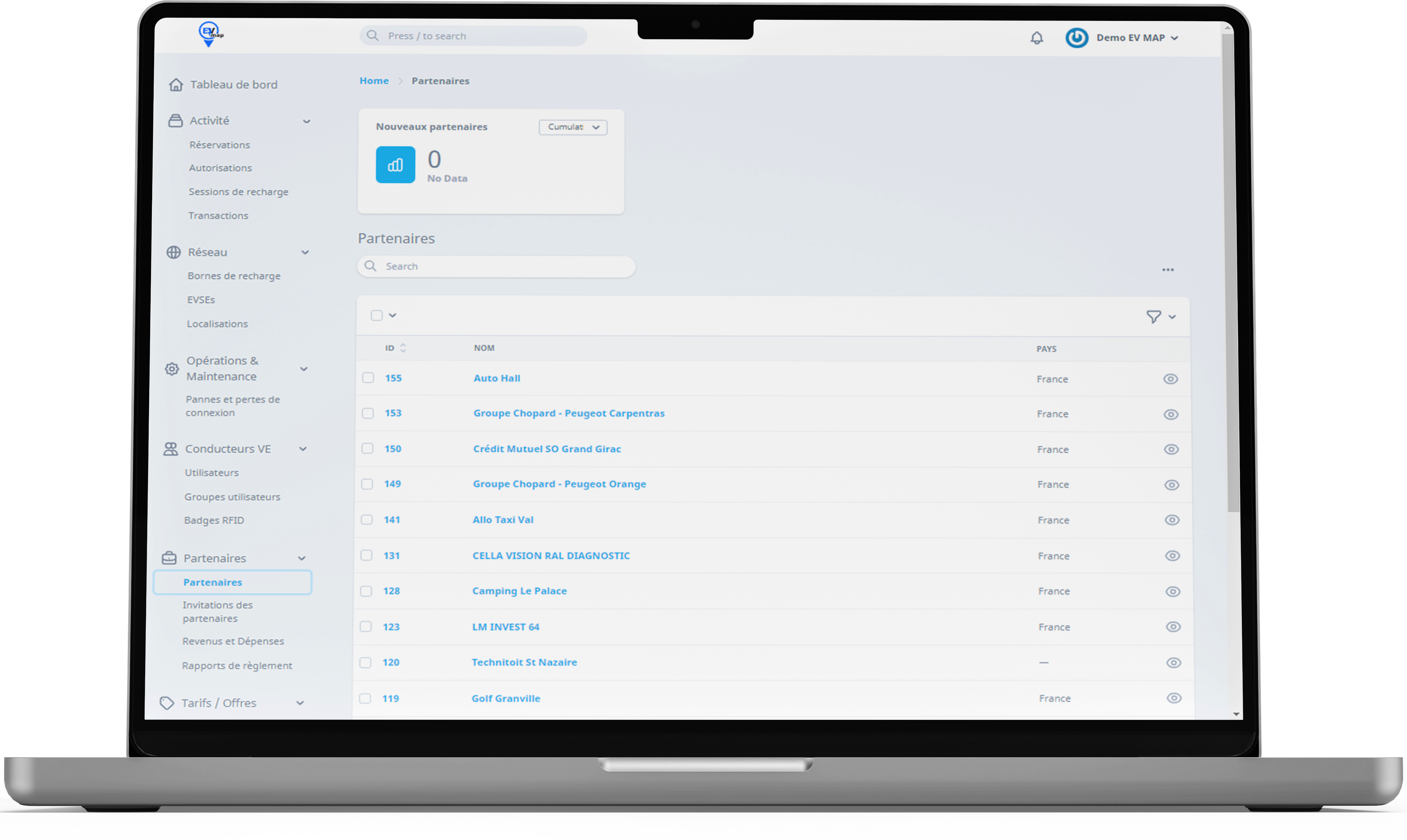
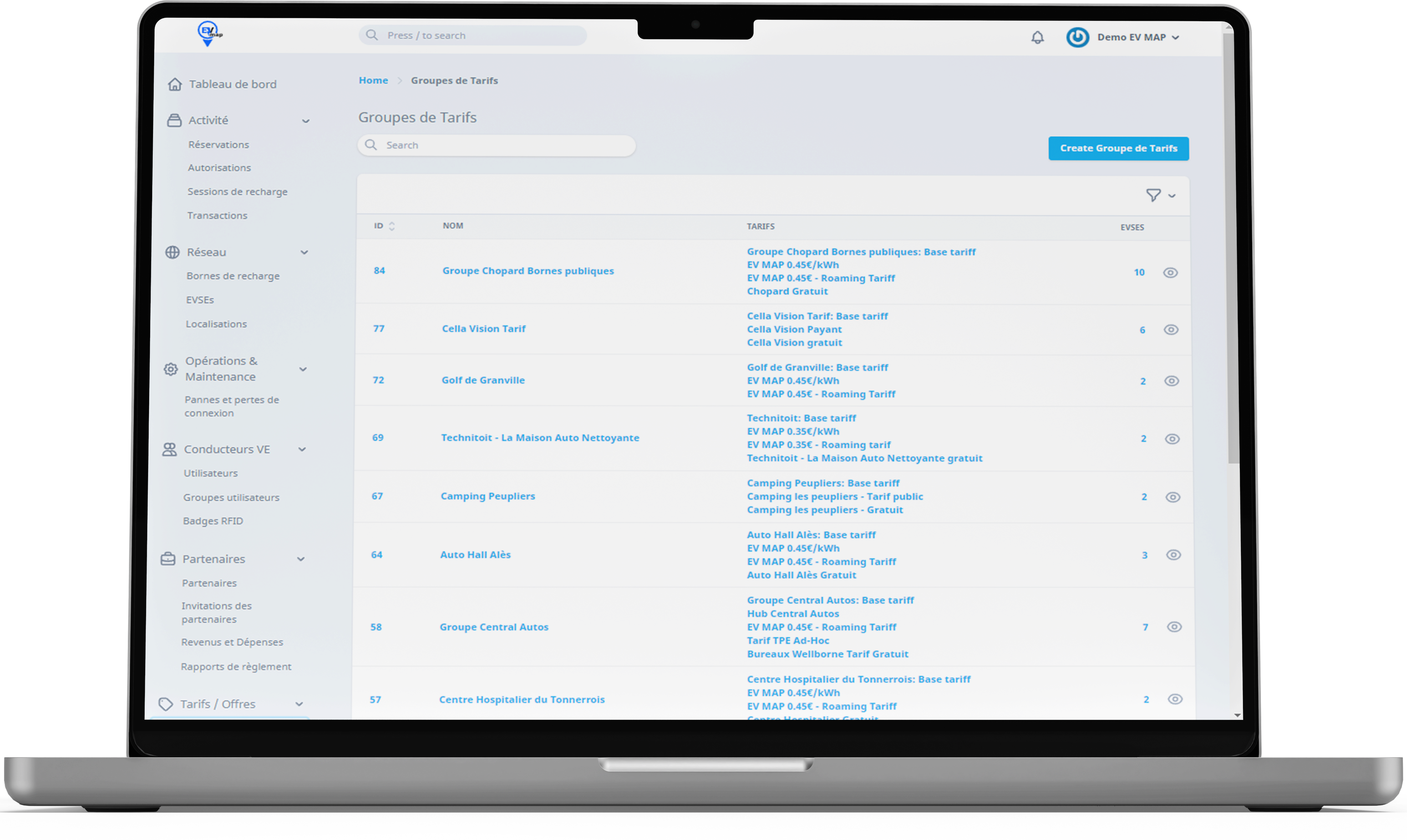
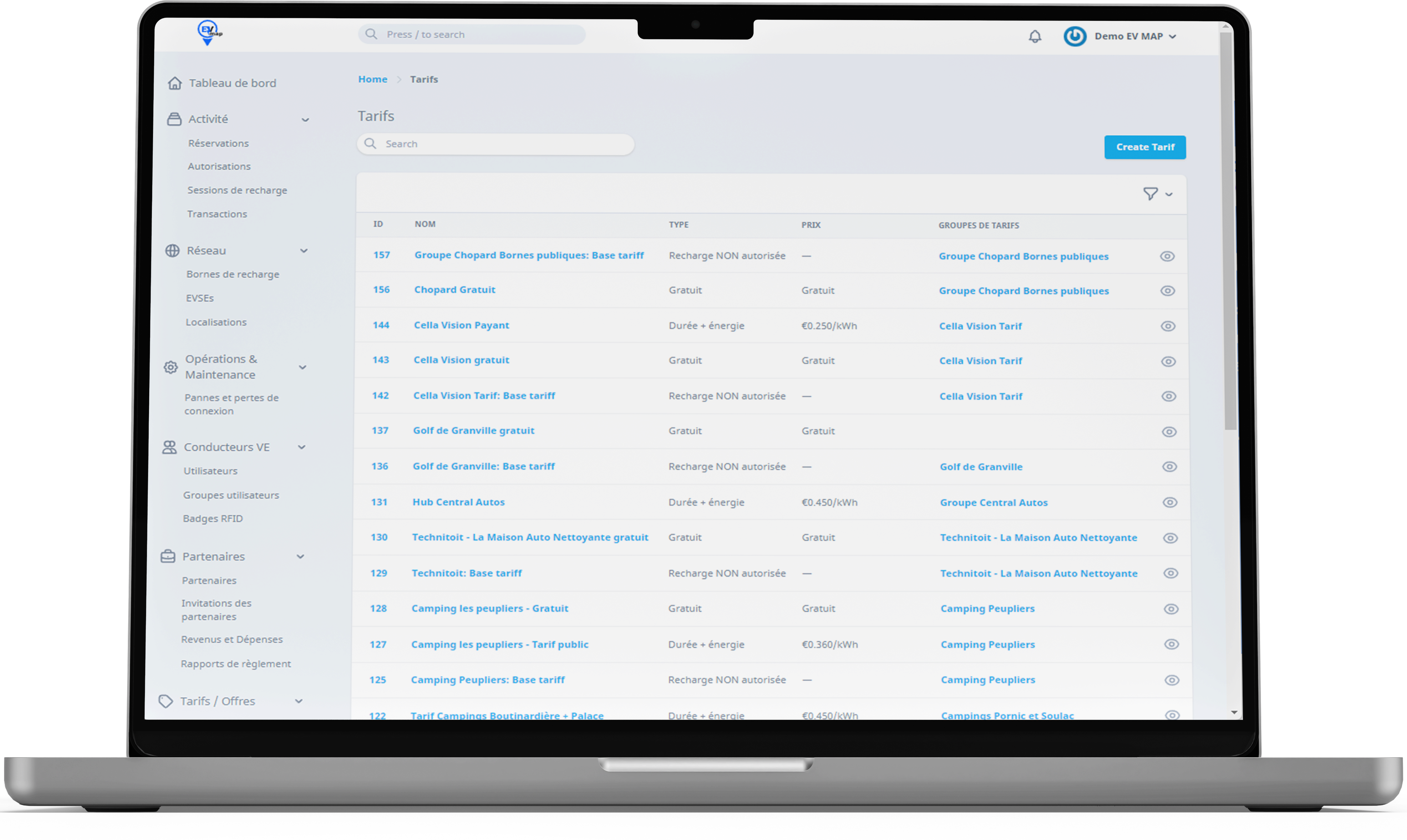
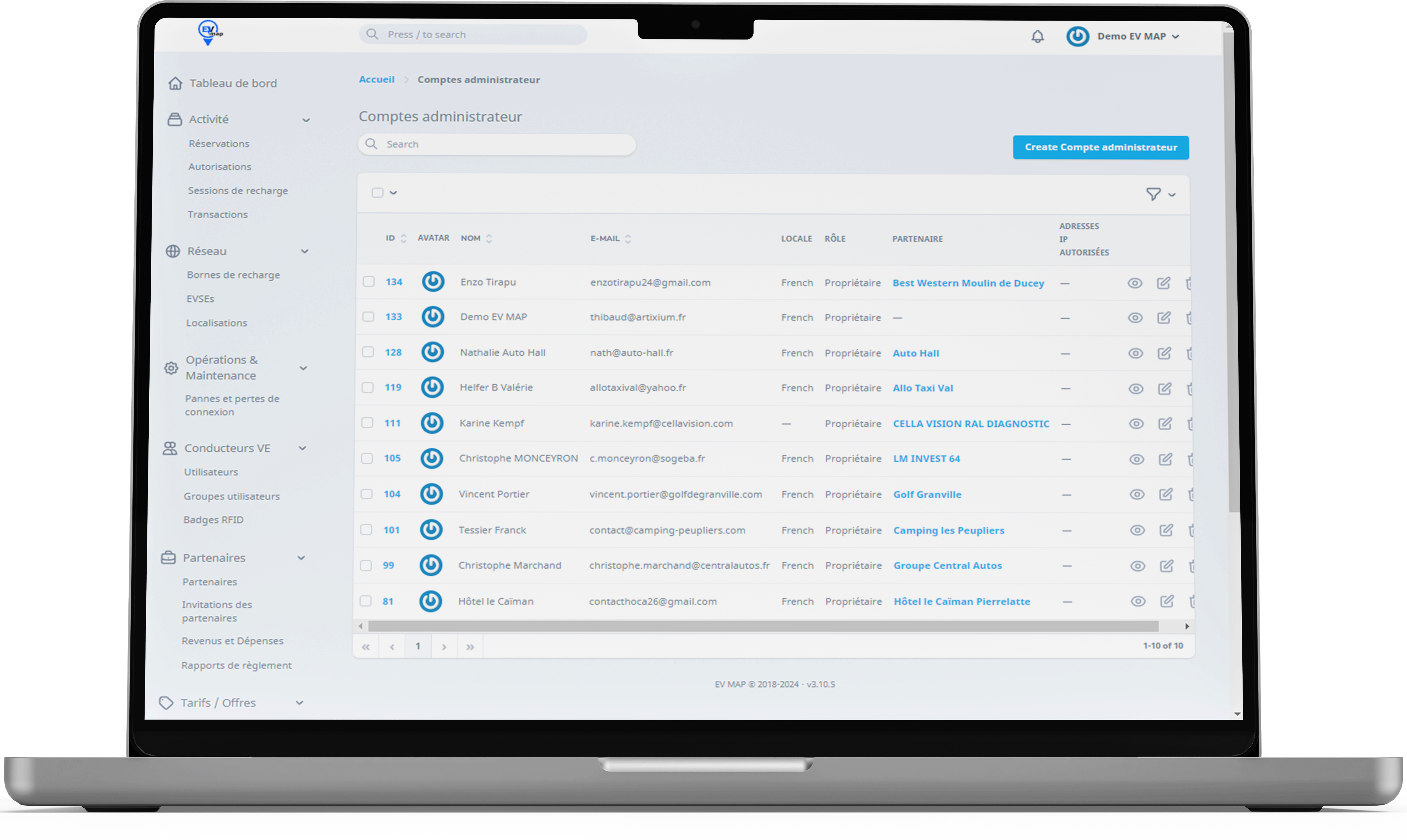
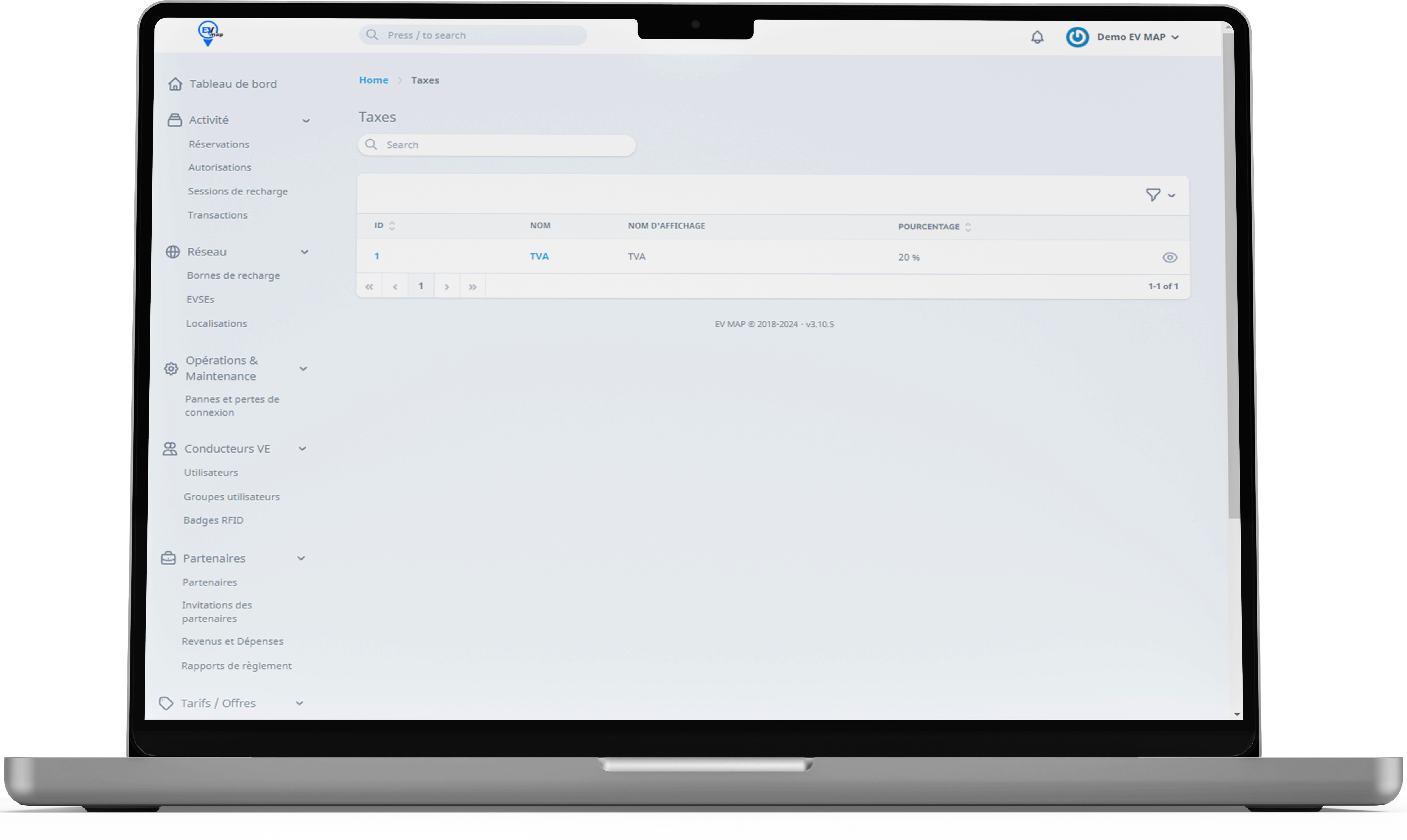
EV MAP Control runs in your browser (Chrome and Firefox recommended), on PC, Mac or Linux. The interface also adapts to tablets and smartphones. You log in with your email address and password.
Login not recognised? You may not have an EV MAP Control account yet, or your EV MAP account may only be for the mobile app. Email support@evmap.fr with your company name, your first and last name and your email address.
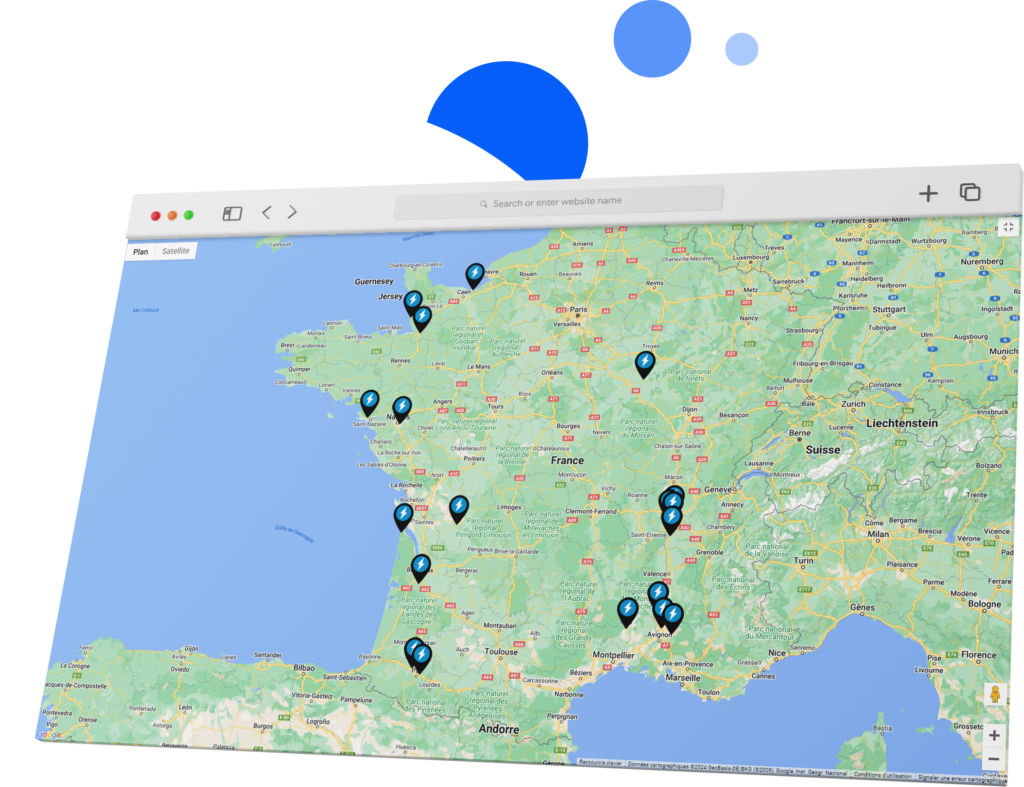
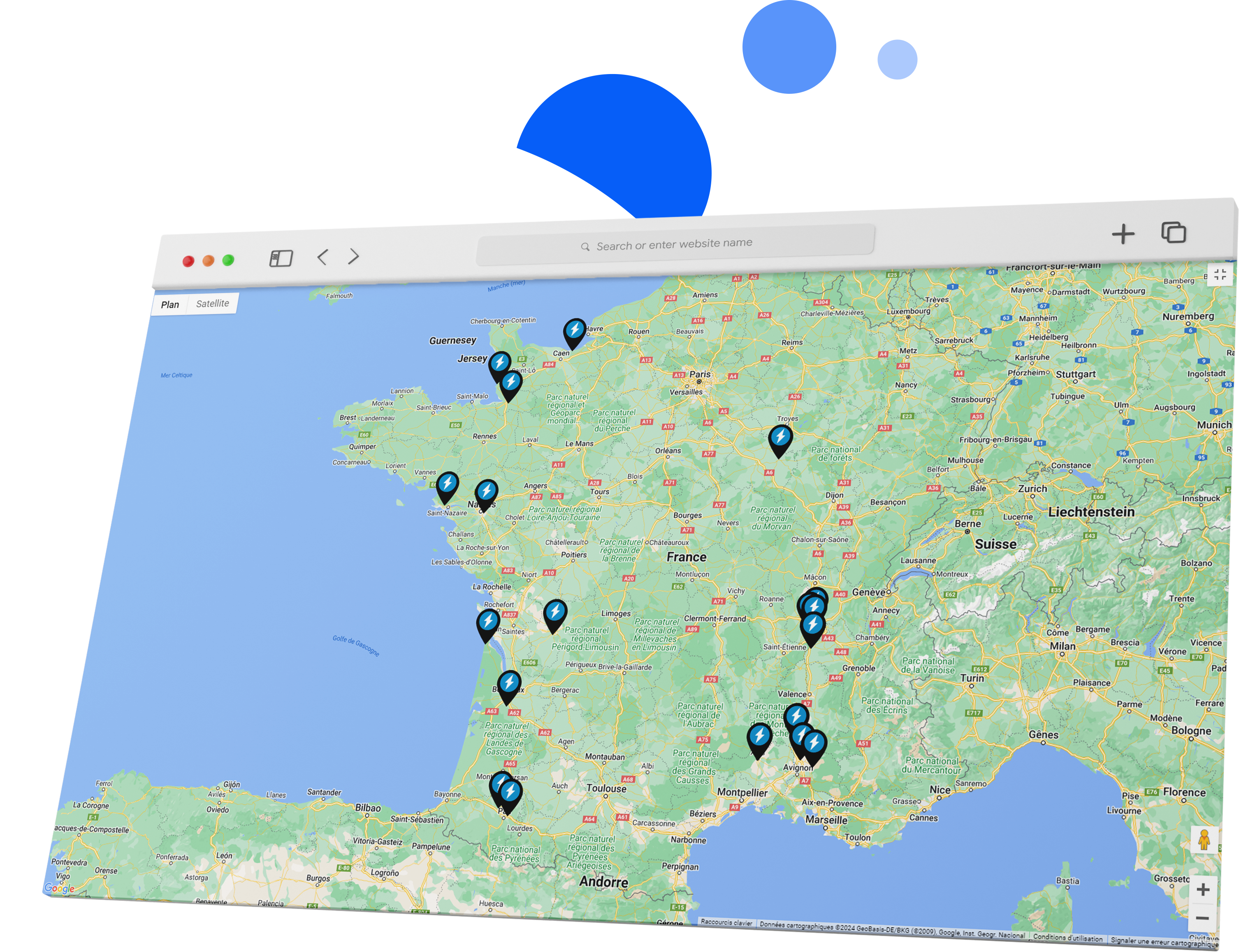
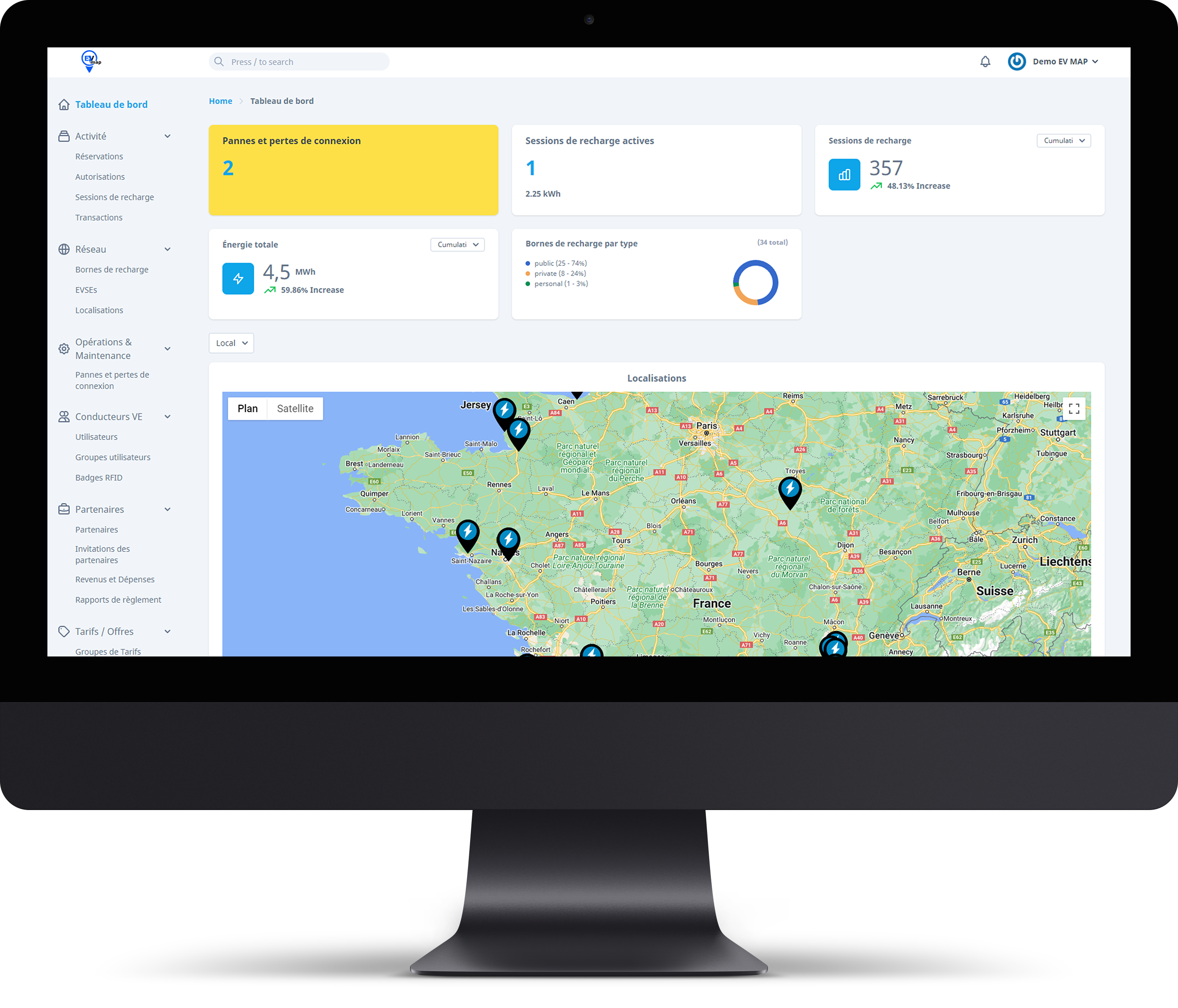
Faults and lost connections, active sessions, energy delivered, your share of revenue and a map of your sites, on a single page.
Activity
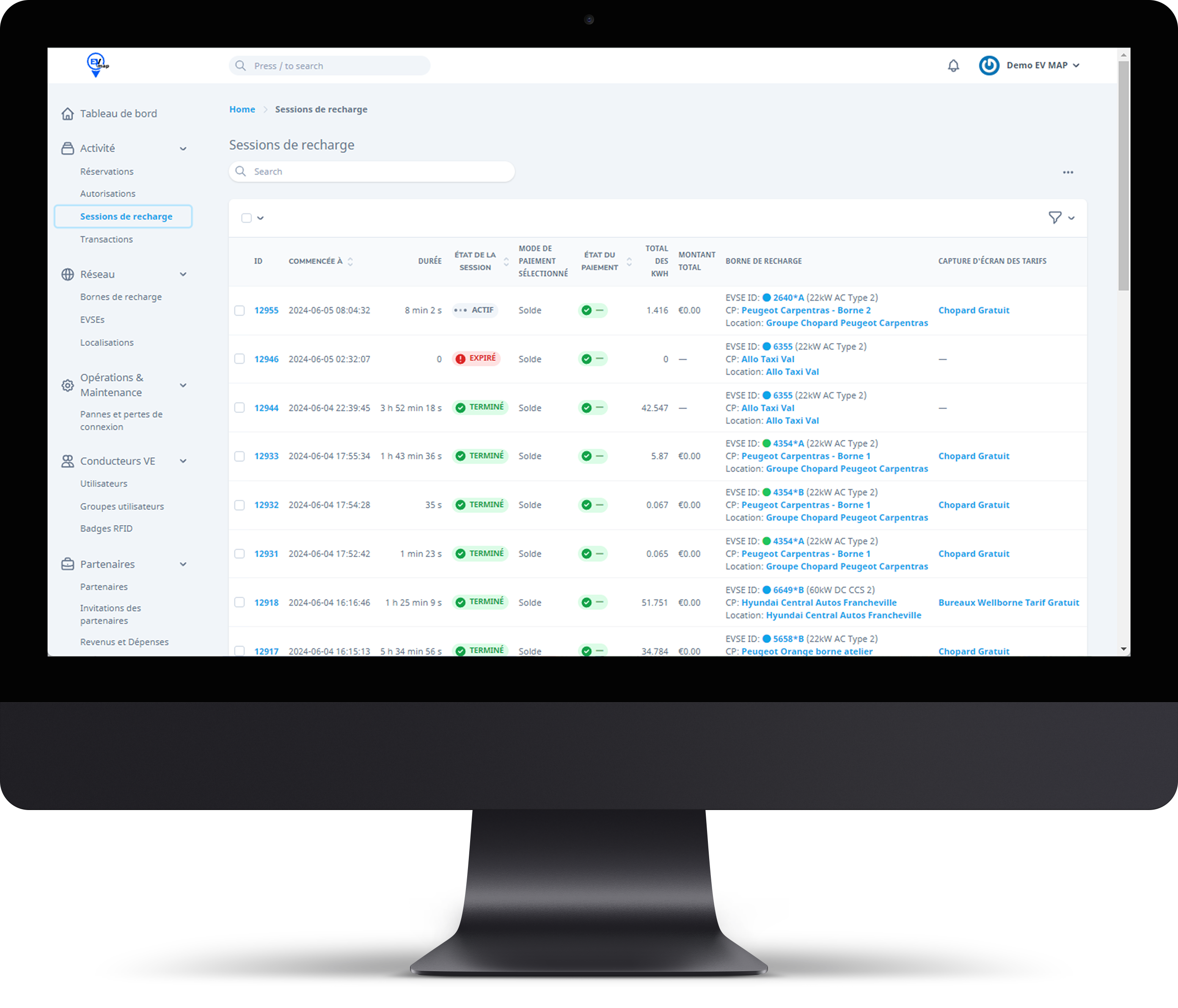
Every charge with its identification method (app, RFID badge, free access), sessions, and transactions with their payment status.
Network and maintenance
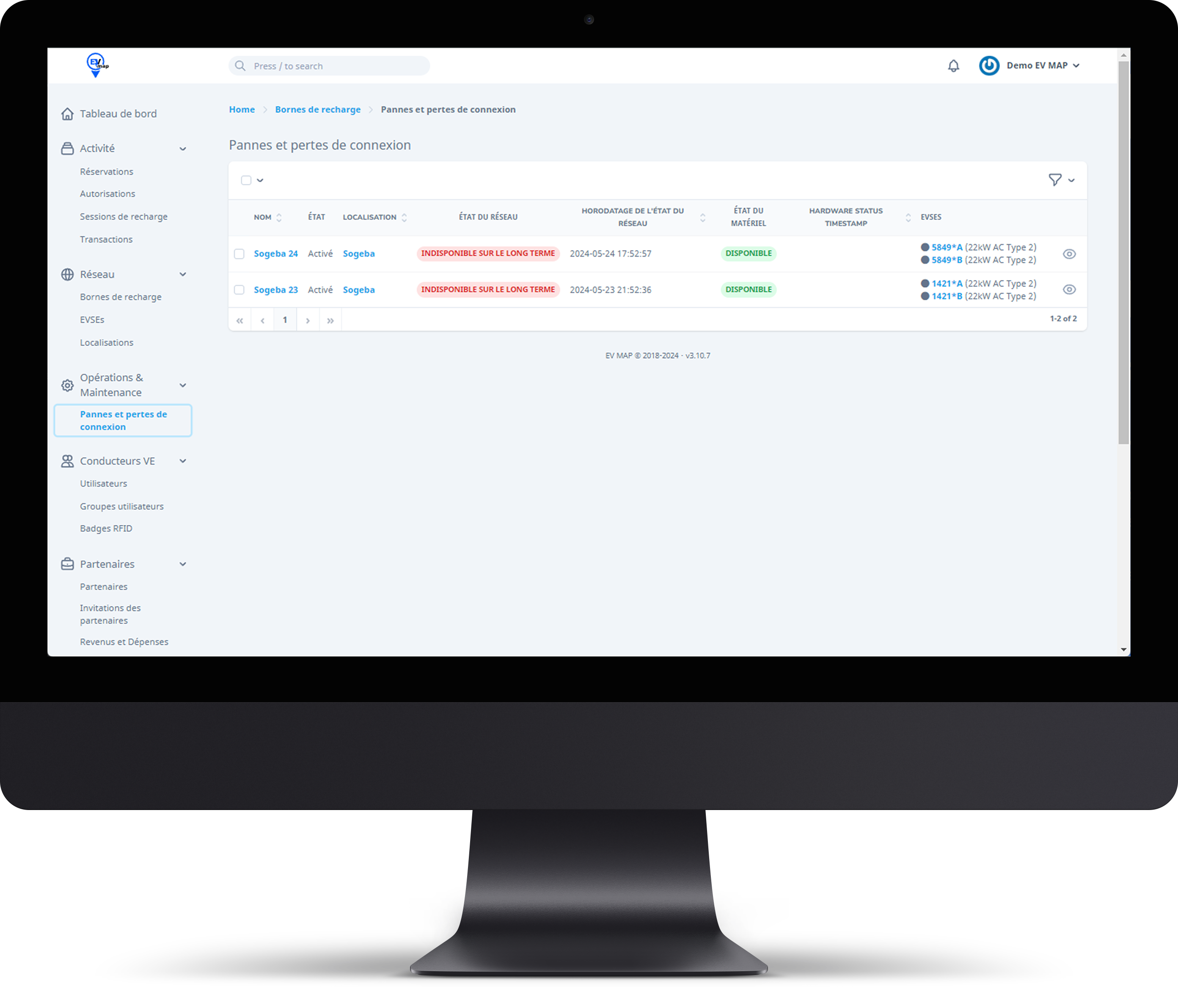
Your charge points, their connectors and locations, fault tracking and OCPP technical logs.
Drivers
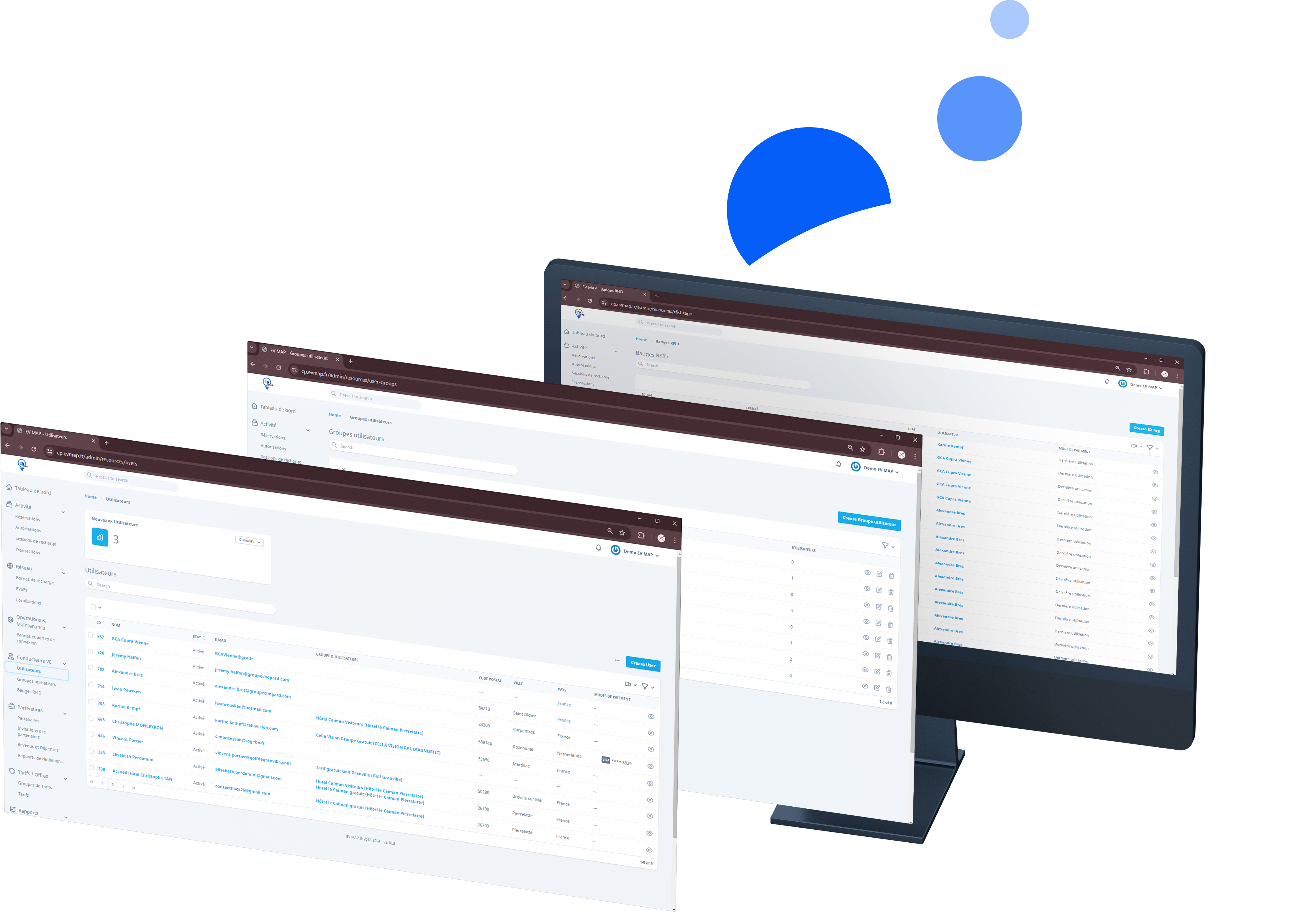
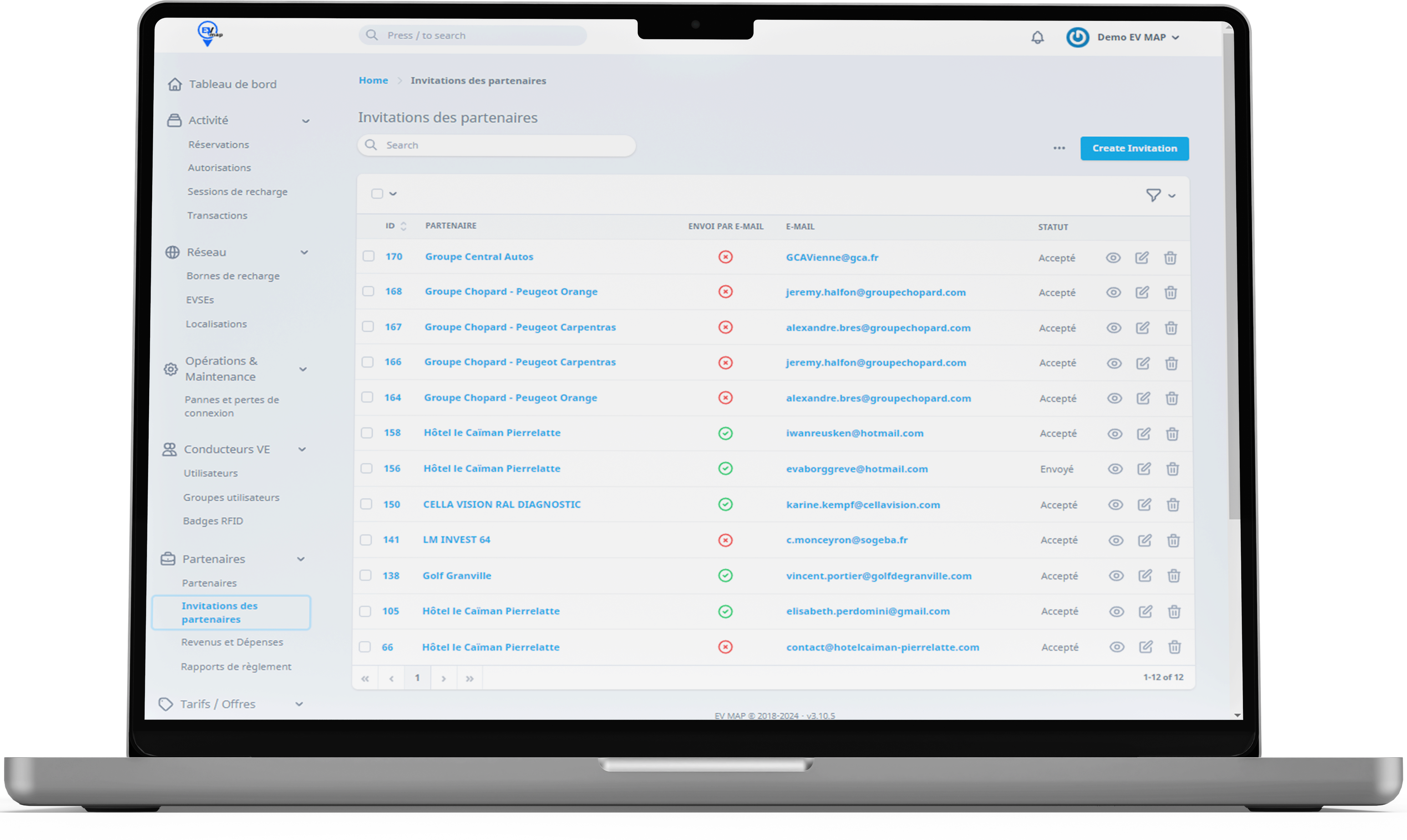
Create users and rate groups, register RFID badges and invite colleagues, on private or public charge points.
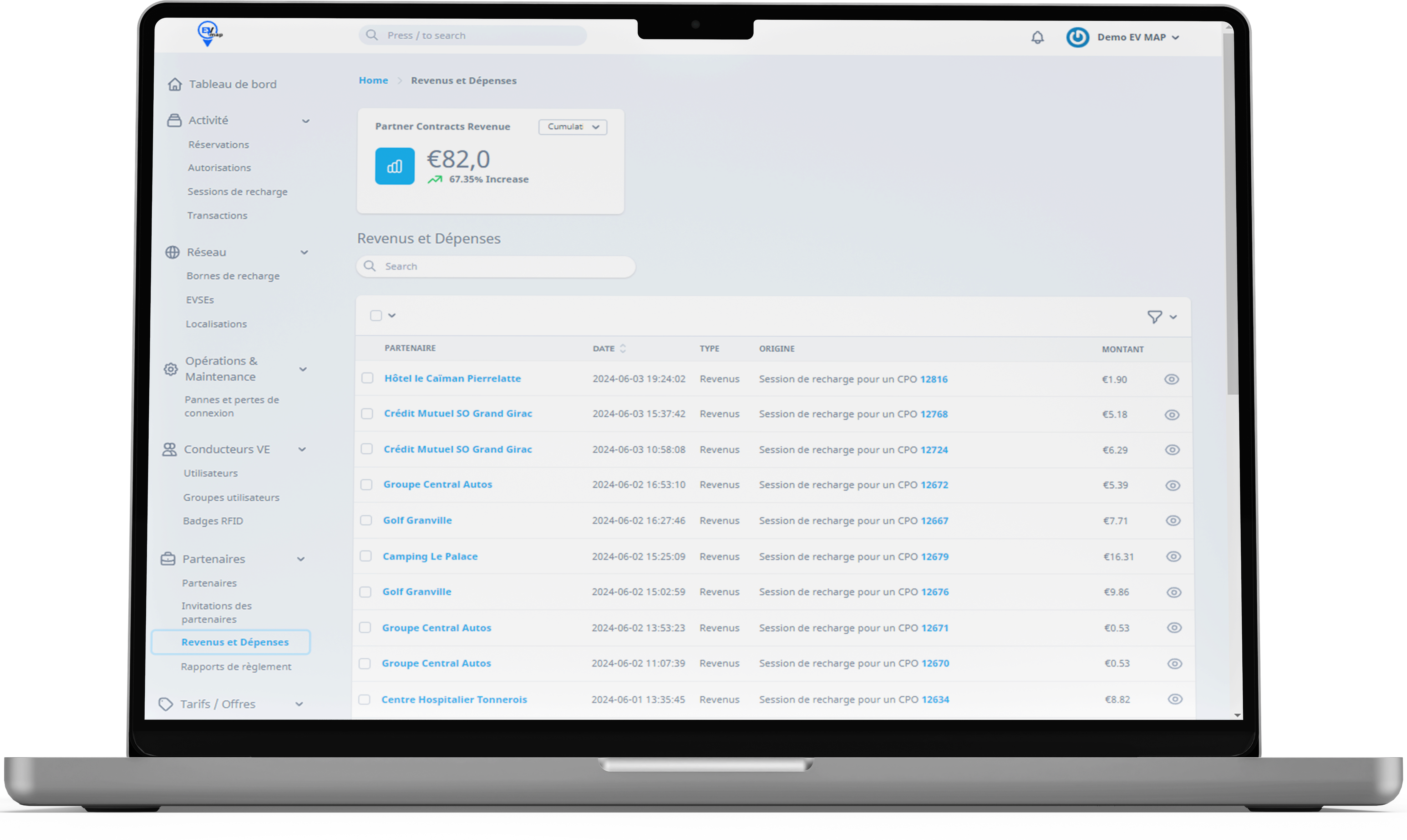
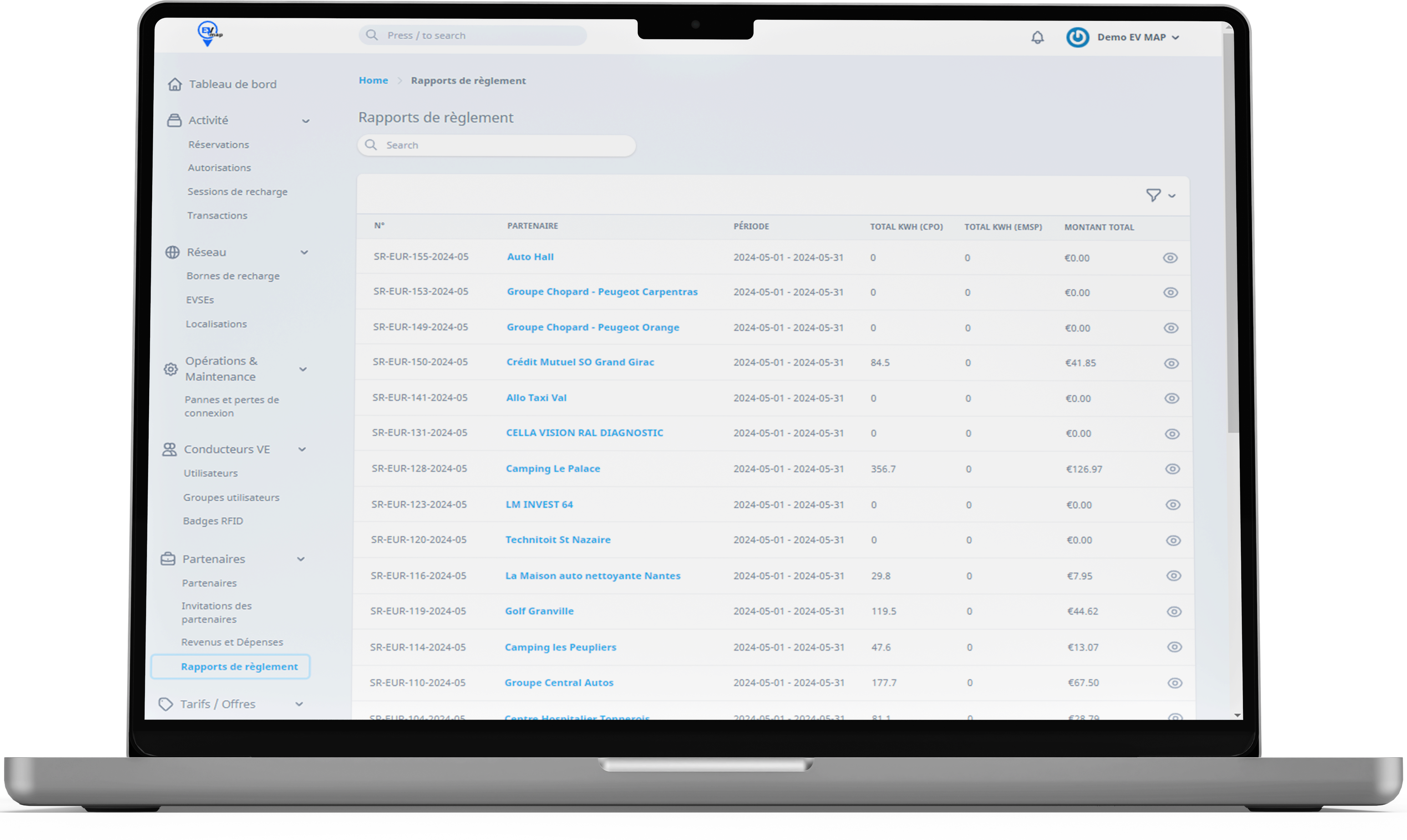
Billing and reports
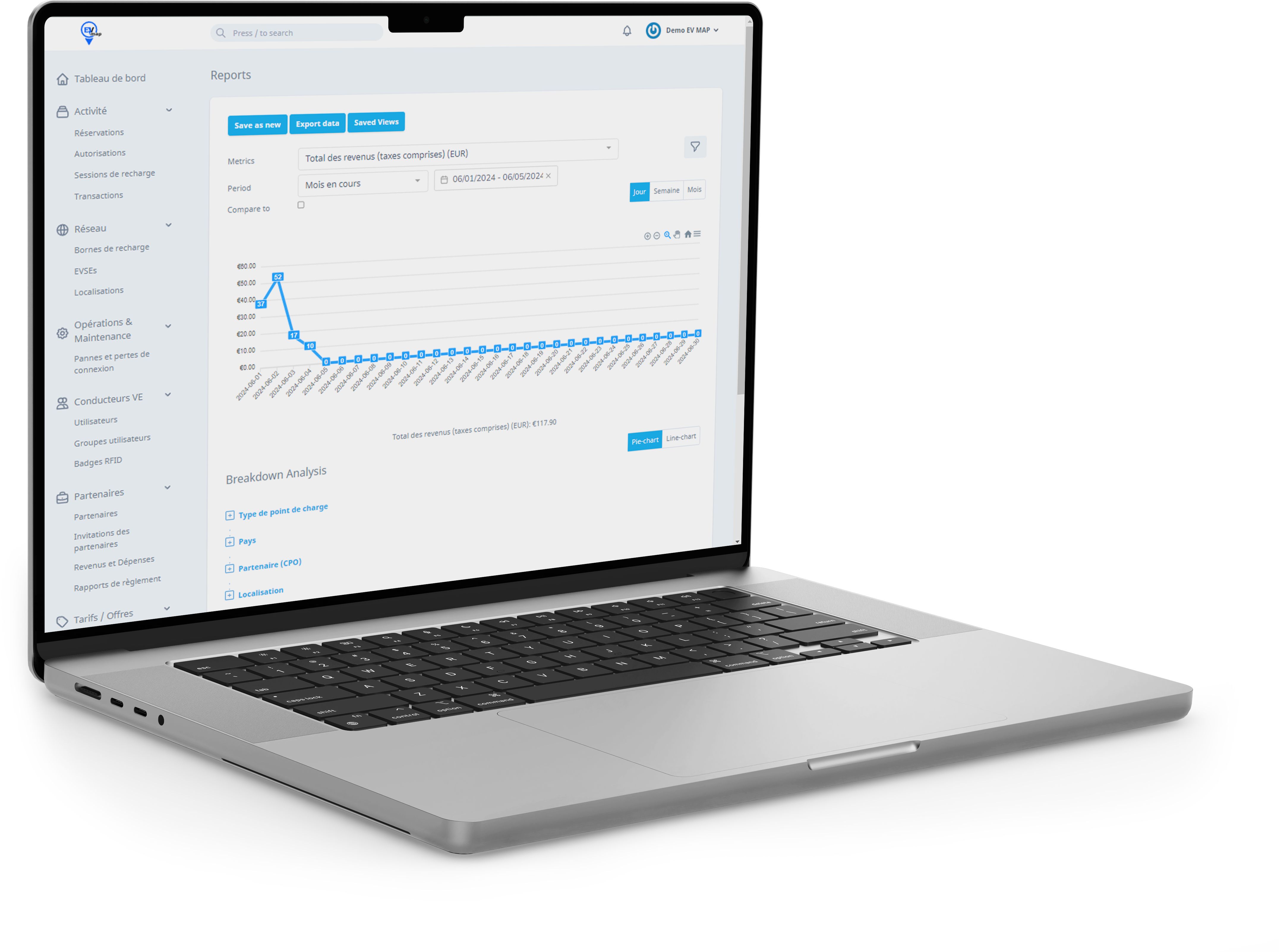
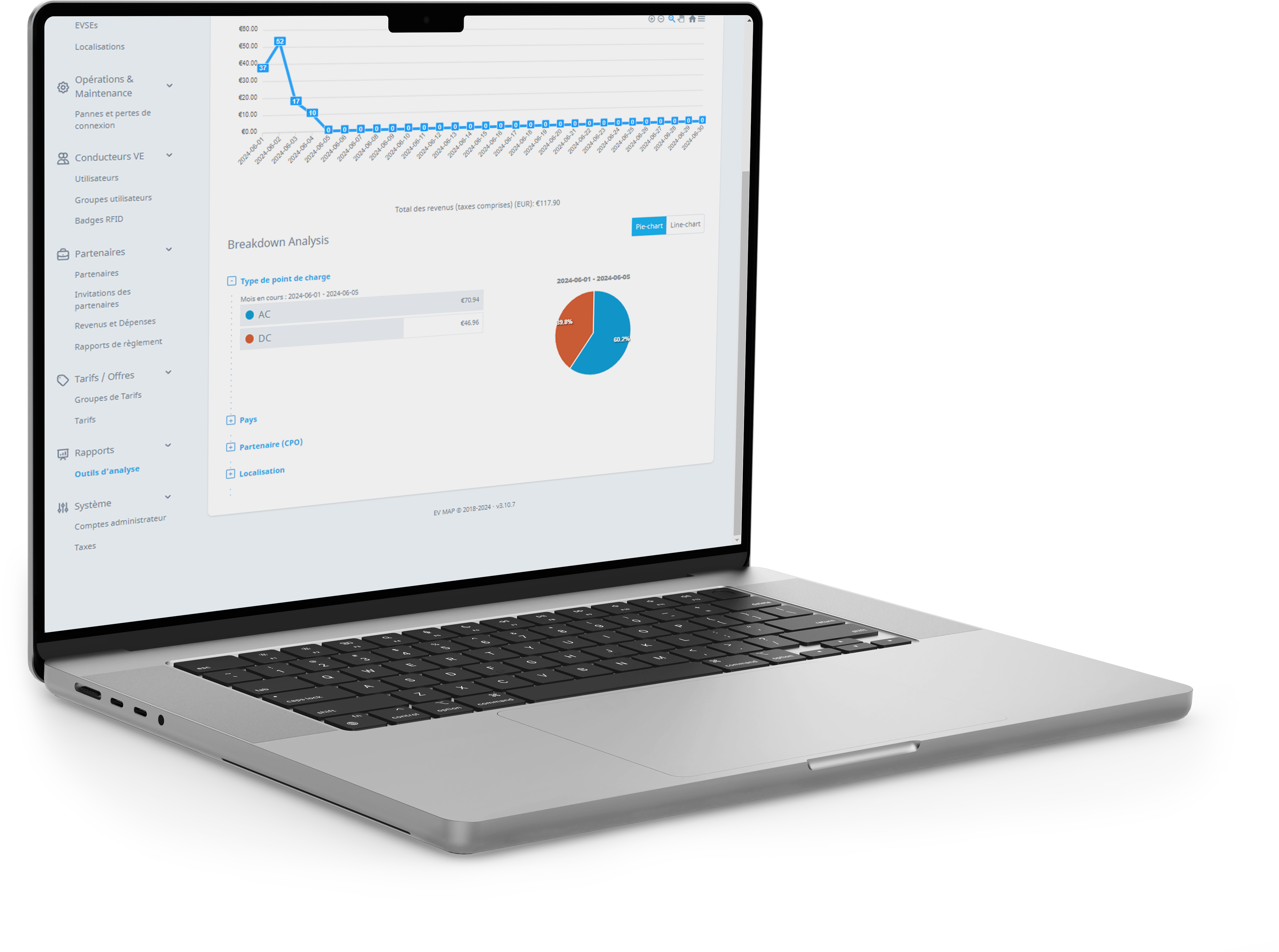
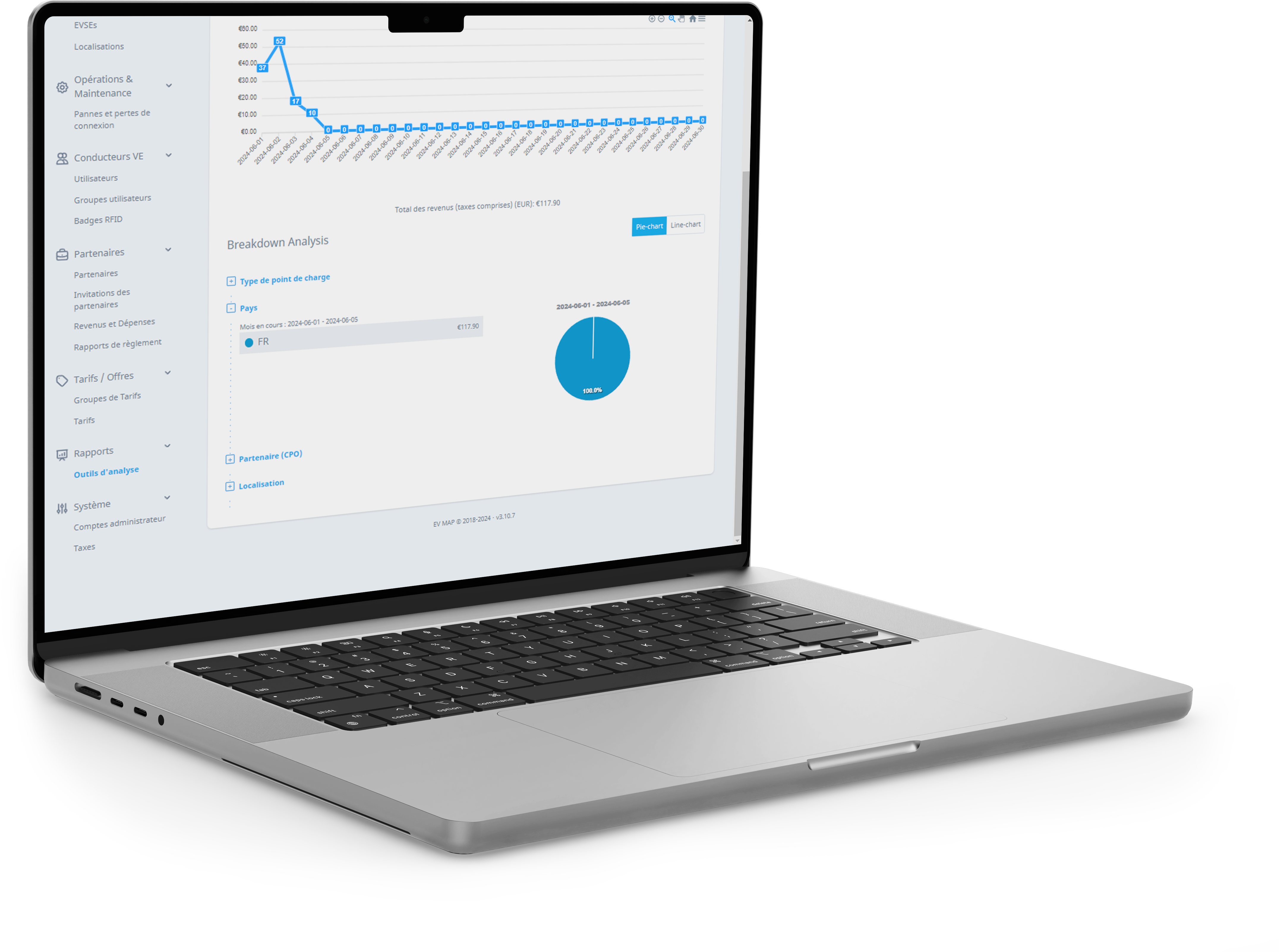
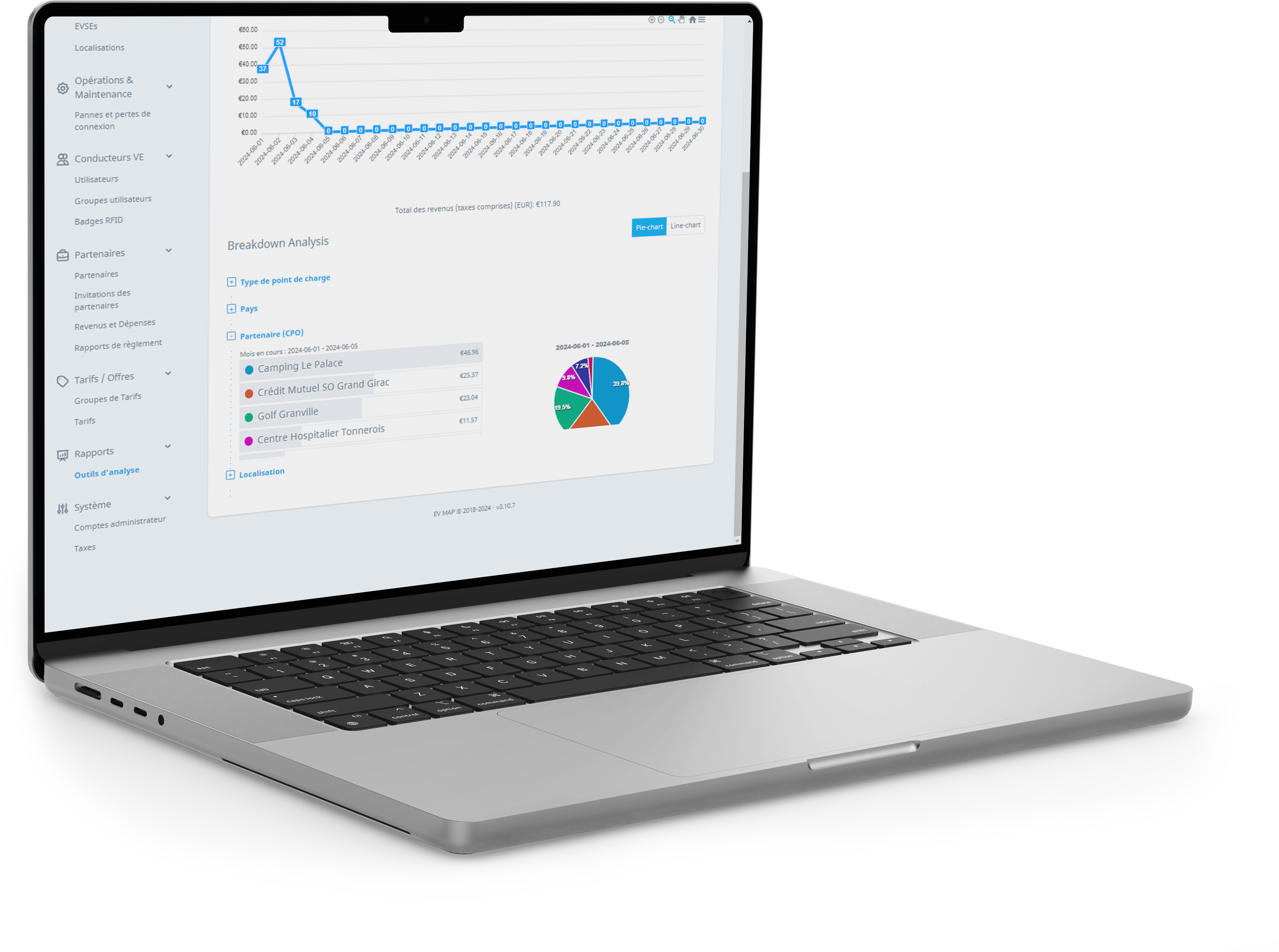
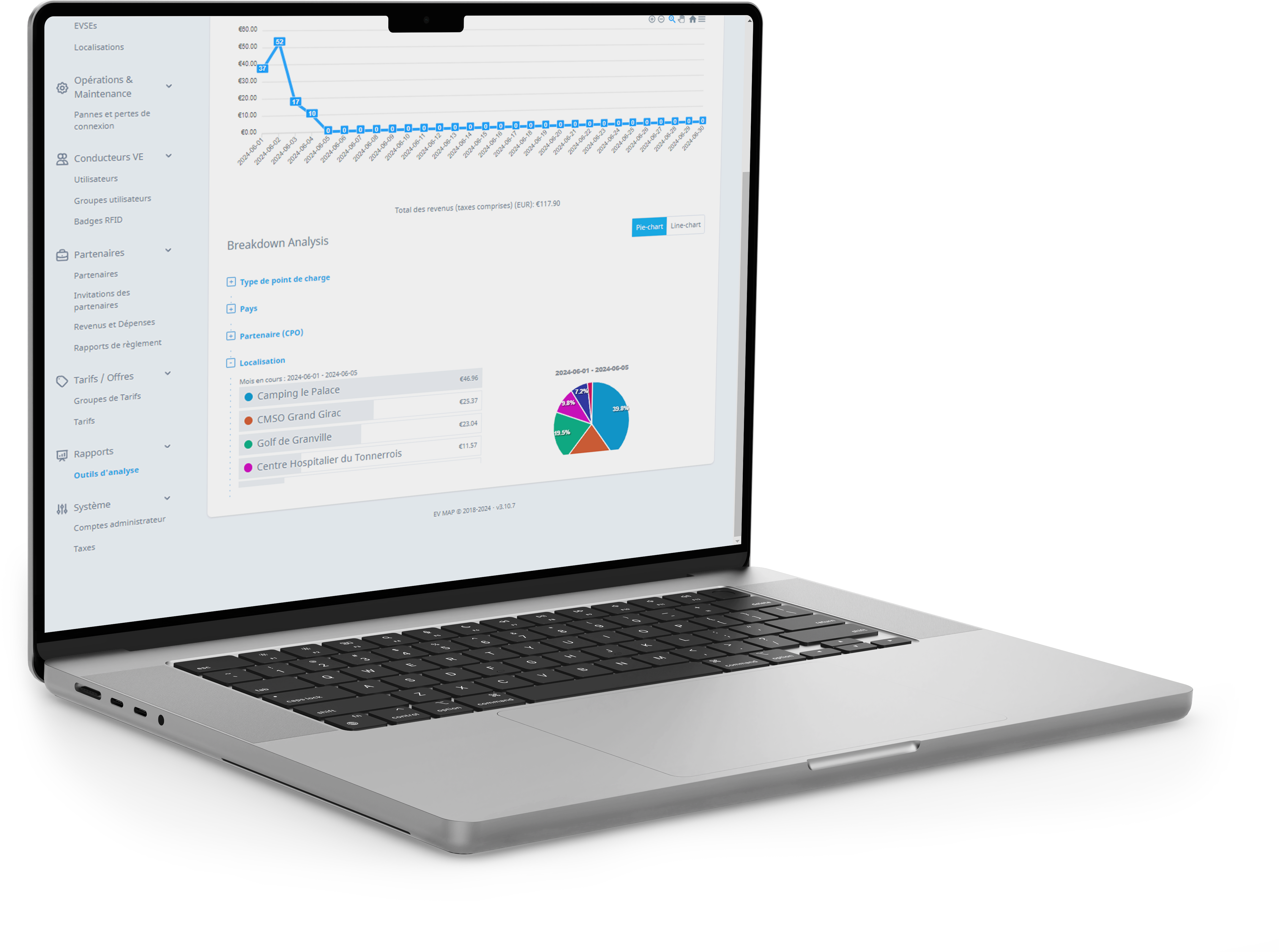
Monthly settlement reports as PDF, charts and Excel exports filtered by site, period or connector type.
Roles and access
Four access levels for your administrators: Owner, Operator, Site manager and Analyst. You can also give access to your charging infrastructure operator.
On request, you can also let EV MAP users book a charge point for 20 minutes, and receive your report by email every month.
Support
A charge point stays offline?
A lost connection is sometimes temporary: the charge point often reconnects on its own.
Check the power
The charge point must be powered: its screen should be on.
Check the internet
Make sure the site's internet connection works.
Restart the charge point
Switch off the power at the circuit breaker, then turn the charge point back on.
Still offline? Email support@evmap.fr with your company name, the charge point’s serial number, a photo of its screen and your availability over the next two weeks. A technician will get back to you.
Pour offrir les meilleures expériences, nous utilisons des technologies telles que les cookies pour stocker et/ou accéder aux informations des appareils. Le fait de consentir à ces technologies nous permettra de traiter des données telles que le comportement de navigation ou les ID uniques sur ce site. Le fait de ne pas consentir ou de retirer son consentement peut avoir un effet négatif sur certaines caractéristiques et fonctions.
Fonctionnel
Always active
L’accès ou le stockage technique est strictement nécessaire dans la finalité d’intérêt légitime de permettre l’utilisation d’un service spécifique explicitement demandé par l’abonné ou l’utilisateur, ou dans le seul but d’effectuer la transmission d’une communication sur un réseau de communications électroniques.
Préférences
L’accès ou le stockage technique est nécessaire dans la finalité d’intérêt légitime de stocker des préférences qui ne sont pas demandées par l’abonné ou l’internaute.
Statistiques
Le stockage ou l’accès technique qui est utilisé exclusivement à des fins statistiques.Le stockage ou l’accès technique qui est utilisé exclusivement dans des finalités statistiques anonymes. En l’absence d’une assignation à comparaître, d’une conformité volontaire de la part de votre fournisseur d’accès à internet ou d’enregistrements supplémentaires provenant d’une tierce partie, les informations stockées ou extraites à cette seule fin ne peuvent généralement pas être utilisées pour vous identifier.
Marketing
L’accès ou le stockage technique est nécessaire pour créer des profils d’internautes afin d’envoyer des publicités, ou pour suivre l’utilisateur sur un site web ou sur plusieurs sites web ayant des finalités marketing similaires.